Hosting a game night used to mean everyone owning the same console or installing the same launcher. Browser game nights remove that friction: friends open a link, join a room, and play. The hard part is not the technology — it is running a session that starts on time, stays fair, and does not collapse when one game lags.
This guide walks through a repeatable format you can use on Playbyt or any similar free browser platform. It focuses on invite clarity, game selection, and backup plans rather than vague “just hang out” advice.
Decide the session goal before you invite anyone
Pick one primary goal so your invite message is clear:
- Competitive night — short matches, scores, and a light leaderboard among friends.
- Chill night — co-op vibes, turn-based games, and plenty of chat between rounds.
- Mixed night — one fast multiplayer block, then calmer word or board games.
Write the goal in the invite. “Tonight is three Smash Karts races then Hangman” sets expectations better than “let’s play something.”
Choose games by join friction, not by graphics
For remote friends, the best game is the one everyone can join in under two minutes. Prefer titles with room codes or simple create/join flows:
- Smash Karts — public rooms and room codes for kart racing. Great opener when everyone is ready at the same time. Note: catalog marks it desktop-oriented, so ask friends to use a laptop if possible.
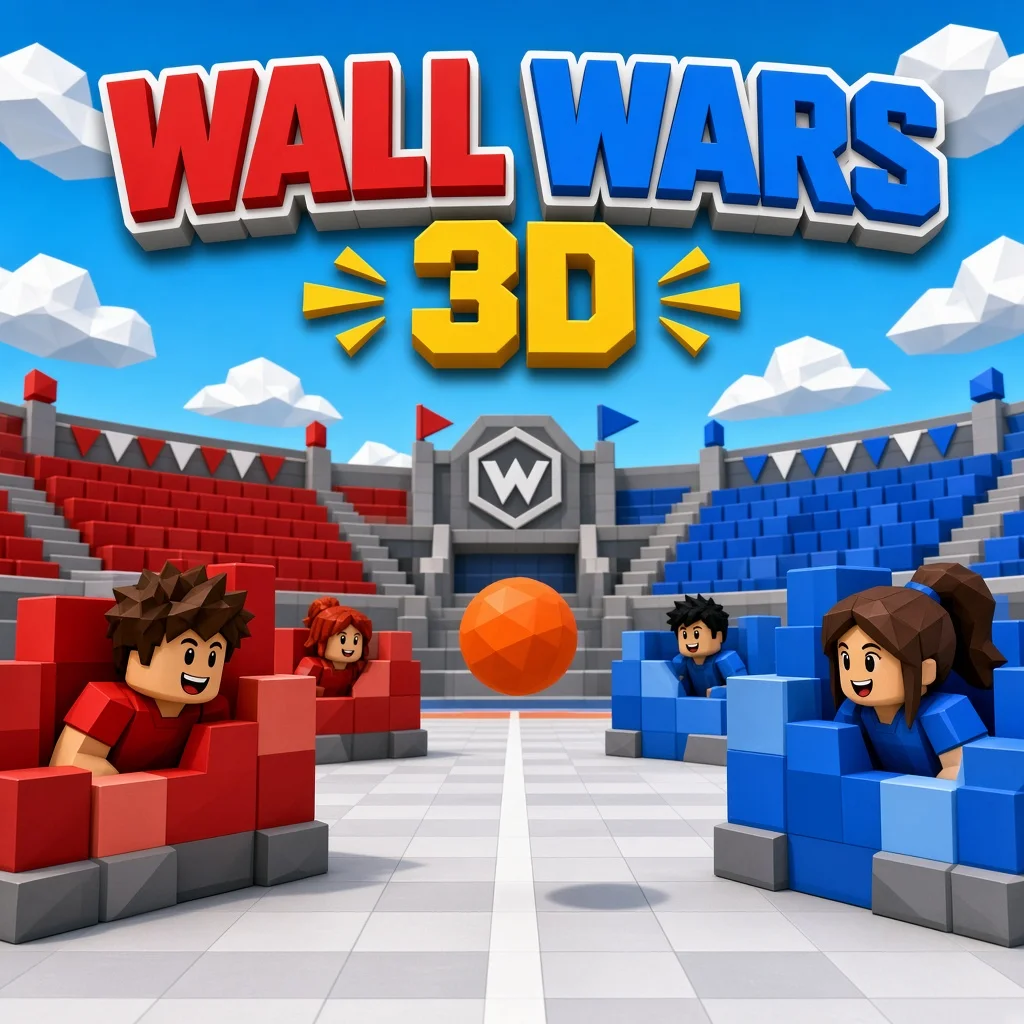
- Wall Wars 3D — online rooms/lobbies for a faster competitive block.
- Tic Tac Toe — create a room, share a code, duel online. Ideal filler between louder games.
- LeBox — Dots & Boxes-style online duels that reward planning.
- Hangman 2 — host sets a secret word; friends guess. Excellent for voice-chat nights.
- Rock Paper Game — simultaneous reveals with no same-screen cheating; desktop-only in the catalog, so call that out in the invite.
Keep a second list of solo or local games for people who arrive early or lose connection: 2Combo, House Tower, or Snake Classic.
Send an invite that answers five questions
- When does the night start (include timezone)?
- How long will it run (45–90 minutes is realistic)?
- What device should people use?
- What is the first game and how do they join?
- Where is the voice chat (Discord, phone, etc.)?
Example: “Saturday 8:00–9:15 PM PKT. Laptop preferred. First game Smash Karts — I’ll drop the room code in Discord at 7:55. Backup is Hangman 2.”
A simple 75-minute schedule that works
- 0–10 min — Arrive and warm up. Early birds play House Tower or 2Combo while others join voice.
- 10–35 min — Main multiplayer block. Two or three Smash Karts races or one Wall Wars block. Stop while energy is still high.
- 35–55 min — Turn-based social block. Hangman 2 or LeBox so quieter friends can contribute.
- 55–70 min — Mini tournament. Best-of-three Tic Tac Toe or Rock Paper if everyone is on desktop.
- 70–75 min — Soft close. One last silly round, then end on time. Ending on schedule makes the next invite easier to accept.
Host checklist the night before
- Test each game yourself in a normal browser tab (not a forgotten private window with blocked storage).
- Confirm friends’ browsers are updated; ask them to close heavy tabs.
- Prepare two backup games in case a lobby fails.
- Decide who is “room host” for codes so people are not creating five empty rooms.
- Agree on a rematch rule (for example, loser picks the next title from your shortlist).
How to handle lag, no-shows, and skill gaps
Lag: Switch to turn-based games immediately. Hangman and Tic Tac Toe survive unstable connections better than live racers.
No-shows: Start with whoever is present. Do not wait more than ten minutes; late friends can join the next block.
Skill gaps: Mix reaction games with turn-based titles so the night is not only about who has the best mouse. Word and board games level the field.
Etiquette that keeps groups coming back
- Do not spam the room code in every chat channel — one pinned message is enough.
- Mute notifications during matches if your voice app is noisy.
- Celebrate good plays without roasting new players for five minutes.
- If someone has to leave early, thank them and keep playing; do not dissolve the night.
Want a deeper multiplayer shortlist first? Read best multiplayer browser games for friends. For zero-install basics, see how to play browser games without installing.
FAQ
How many people is ideal?
Four to six is sweet for voice chat and room codes. Larger groups need clearer host roles and shorter match blocks.
Do friends need Playbyt accounts?
Many games let you start quickly. Accounts help when a title needs a stable identity, but your invite should never depend on a long signup flow at start time.
What if someone only has a phone?
Prefer Tic Tac Toe, Hangman 2, House Tower, or 2Combo. Save desktop-tagged titles for laptop nights.
Should we stream the night?
Only if everyone consents. Private friend nights usually feel better without an audience.
Conclusion
A good browser game night is mostly operations: a clear invite, low-friction games, a timed schedule, and backups. Use Smash Karts or Wall Wars for energy, Hangman or LeBox for conversation, and end on time. Do that twice and your group will have a format — not just a hope that “someone finds a game.”